
T-Mobile Home Internet And TV: Options For Seniors And Key Features

Equipment and installation considerations for seniors using T-Mobile home internet and TV
Equipment choices link the network and television components. Common hardware includes the fixed wireless gateway provided by the internet service, a streaming device or smart TV to access television apps, and optional network extenders for larger homes. For seniors, the ideal equipment mix often prioritizes minimal setup complexity, clear documentation, and remotes or interfaces with large, legible labels. Some streaming sticks offer simplified remotes and voice commands, while certain smart TVs provide an all‑in‑one approach that avoids a separate box. Each approach has tradeoffs in terms of flexibility and ease of replacement.
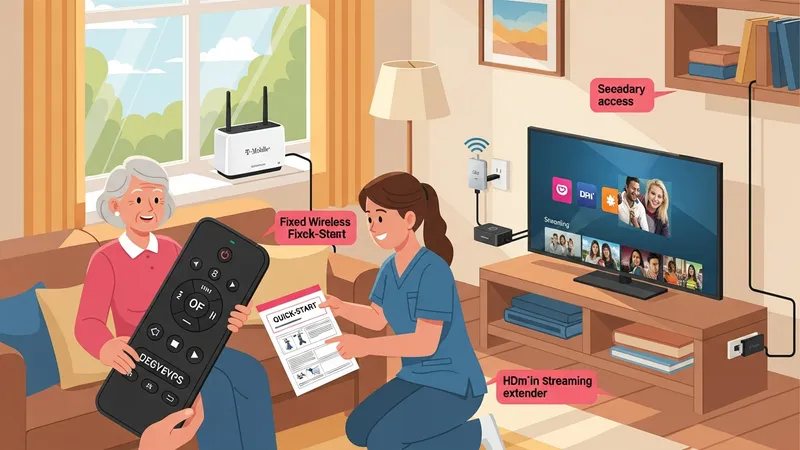
Installation considerations may include where to place the gateway to balance reception and convenience. Gateways generally achieve better reception near windows and at higher elevations, but proximity to the primary television and power outlets may require a compromise. If Wi‑Fi coverage to other rooms is limited, small plug‑in extenders or a wired Ethernet link to a secondary access point can improve performance; however, these add components and complexity. Caregivers may prefer solutions that minimize the number of devices that require routine attention or updates.
Accessibility tools on devices can support seniors’ viewing preferences. Many streaming devices and smart TVs include features such as voice control, screen magnification, simplified home screens, and programmable buttons on remotes. Where visual or hearing needs exist, enabling captions, increasing contrast, or activating audio description tracks may improve usability. Documentation that clearly lists how to change these settings—either in printed form or via brief annotated screenshots—can make a practical difference during setup and later adjustments.
Maintenance and troubleshooting expectations are important to establish in advance. Gateway firmware updates, app updates, and periodic reboots are typical maintenance tasks. For seniors, arranging account access for a trusted family member or caregiver, or keeping a short troubleshooting checklist nearby, can reduce downtime. When professional technicians are available through a provider or local service, documenting contact options and typical support hours may simplify resolving issues without trial‑and‑error for the primary household member.